Executions
Reproducing Executions
We created this section to present the executions used in our paper and to facilitate their reproduction. To reproduce a specific execution:
- Open the associated RoASt Configuration Wizard (click the Config badge).
- Navigate through the pages to inspect the used parameters.
- On the last page (Summary), click Download Config to get the
config.jsonfile. - Place this file in the root of your RoASt project directory.
- Run the project in release mode:
cargo run --releaseorcargo rel - You will find the complete execution results in
results/Execution_<timestamp>.
Execution Presets
The Configuration Wizard includes 10 pre-configured presets for common scenarios:
Exec1 | Algo1 | Pole | Goals1 | Main
Primary execution of Algorithm 1 with a pole and the standard goal set.
Exec2 | Algo1 | Pole | Goals2
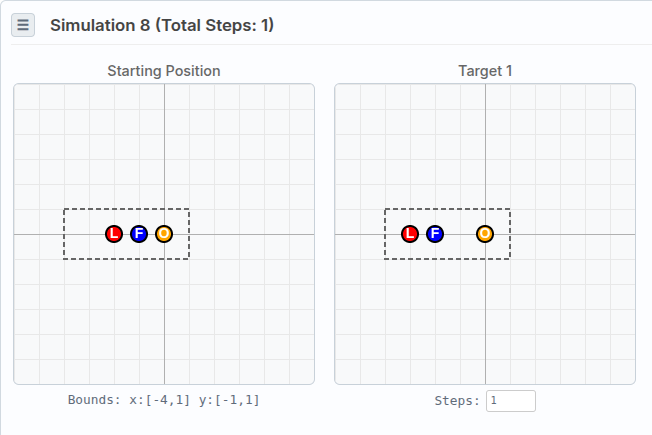
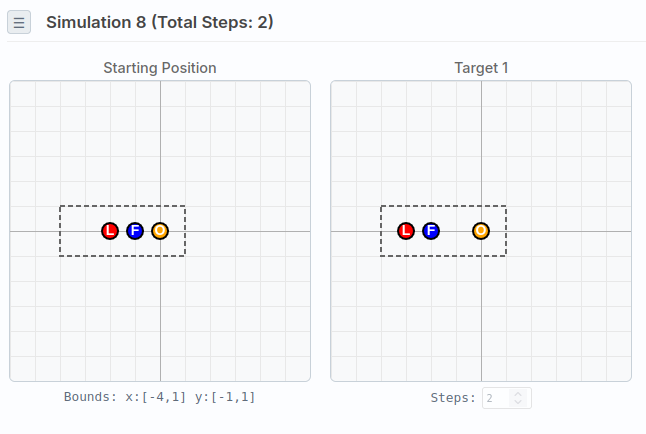
Variant of Execution 1 with one additional round on the last goal.
Exec1 - Goal 8
Exec2 - Goal 8
Exec3 | Algo2 | Pole | Goals1 | Main
Primary execution of Algorithm 2 with a pole and the standard goal set.
Exec4 | Algo2 | Pole | Goals2
Variant of Execution 3 with a reordered version of the goal set.
Exec5 | Algo2 | Hole | Goals1
Variant of Execution 3 with a hole instead of a pole to test visibility through it.
Exec6 | Algo2 | Pole | Goals3
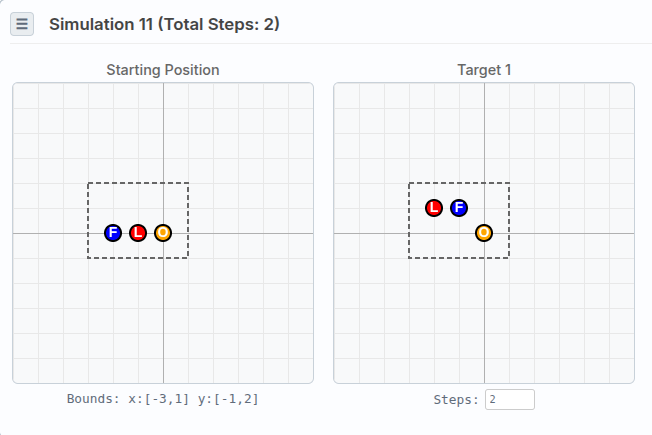
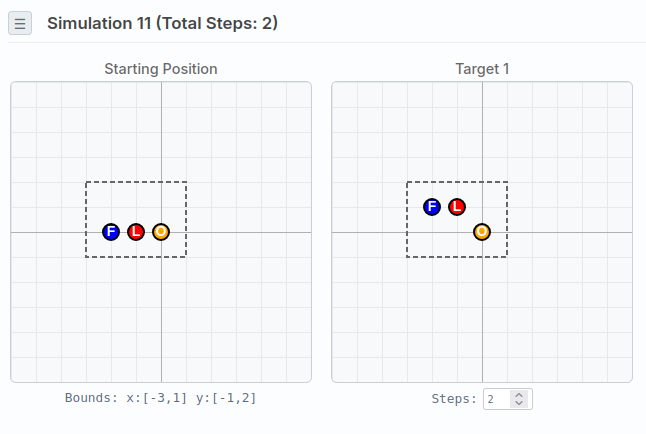
Variant of Execution 3 where the 11th goal has a different target position with opposite direction.
Exec3 - Goal 11
Exec6 - Goal 11
Exec7 | Algo2 | Pole | Goals4
Variant of Execution 3 where the 9th goal's target positions have a one-round shift to the right.
Exec3 - Goal 9
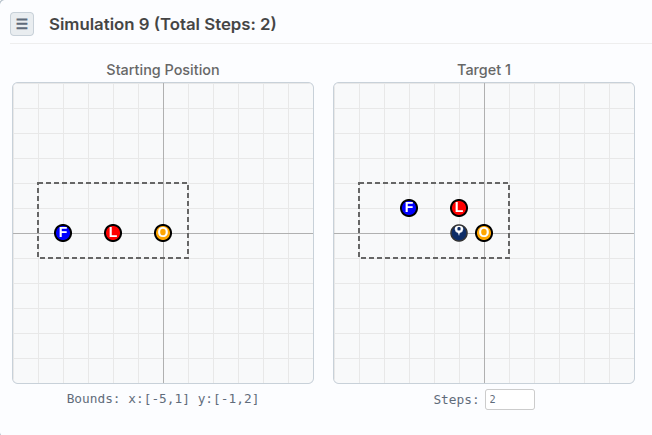
Exec7 - Goal 9
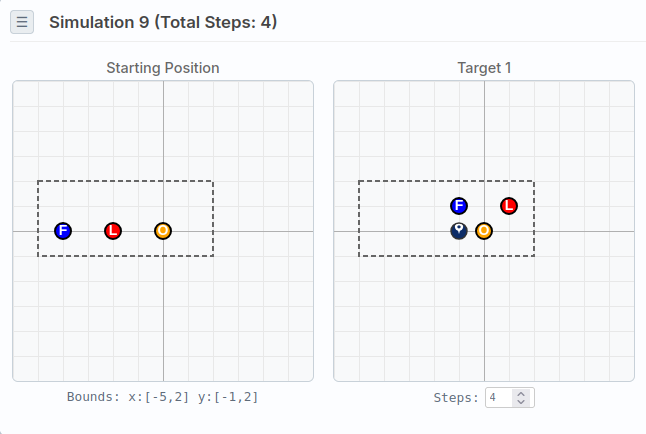
Exec8 | Algo2 | Pole | Goals5
Variant of Execution 3 combining modifications from Executions 6 and 7: the 11th goal has a different target position with opposite direction (same as Exec 6), and the 9th goal's target positions have a one-round shift to the right (same as Exec 7).
Exec9 | Algo1 | Pole | BadGoals (Failed Execution)
⚠️ Variant of Execution 1 where the 6th goal's target positions have the leader switching its color from L to R. This generates 5 candidate algorithms, but none of them are valid (they are cyclic).
Exec10 | Algo1 | Hole | Goals1
Variant of Execution 1 with a hole instead of a pole.
Running .web-algo Files
To run a .web-algo
file in the BRAMAS Simulator:
- Open the simulator link
- Click File → Parcourir
- Select your
.web-algofile - Use the ← / → arrow keys to run the algorithm step by step